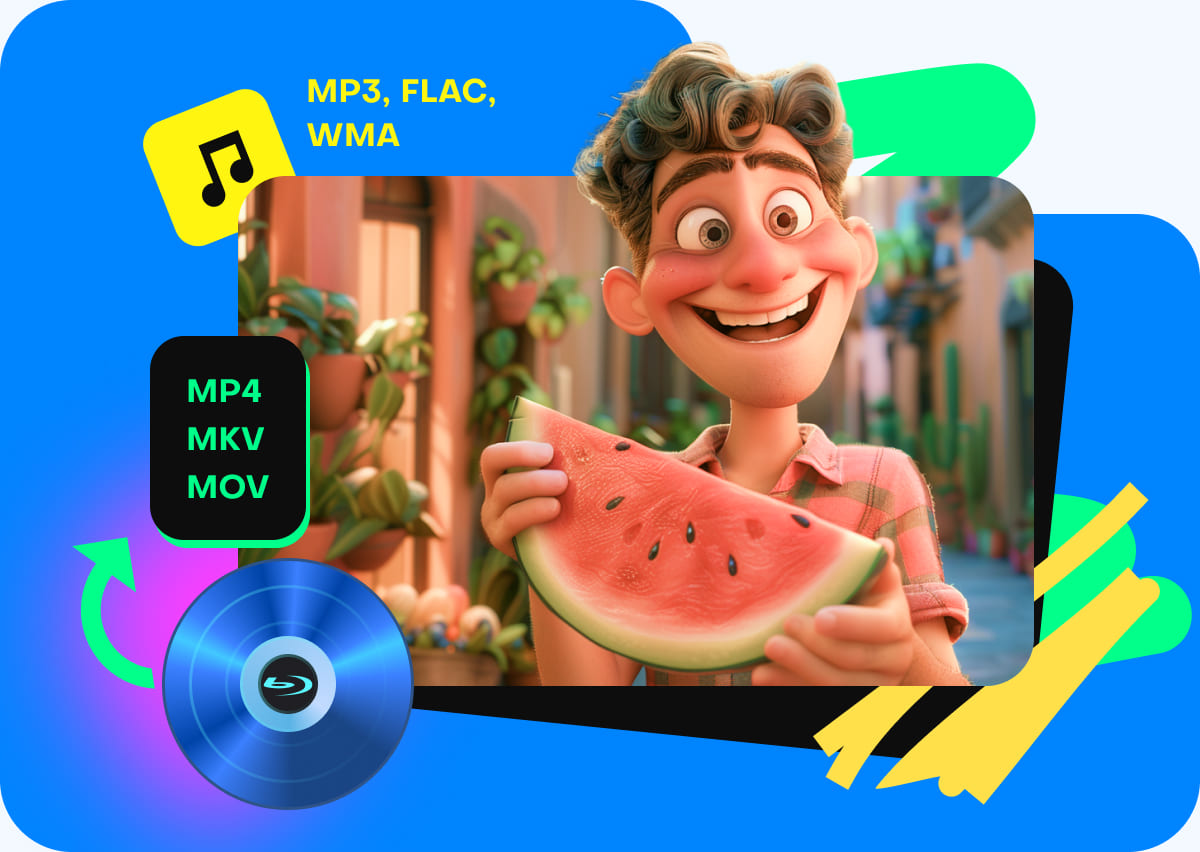
Rip Blu-ray to Over 1000 Digital Formats
Free Blu-ray Ripper is a professional Blu-ray ripping software, that has the capability of helping users rip Blu-rays to digital videos and formats, such as MP4, MKV, MOV, AVI, WMV, FLV, M4V, etc. Moreover, it also lets you extract audio from Blu-ray movies and save as MP3, WMA, WAV, FLAC, OGG, and more audio files. You can customize each title in a different format output, and start a batch conversion to save your time, and enrich your leisure life.
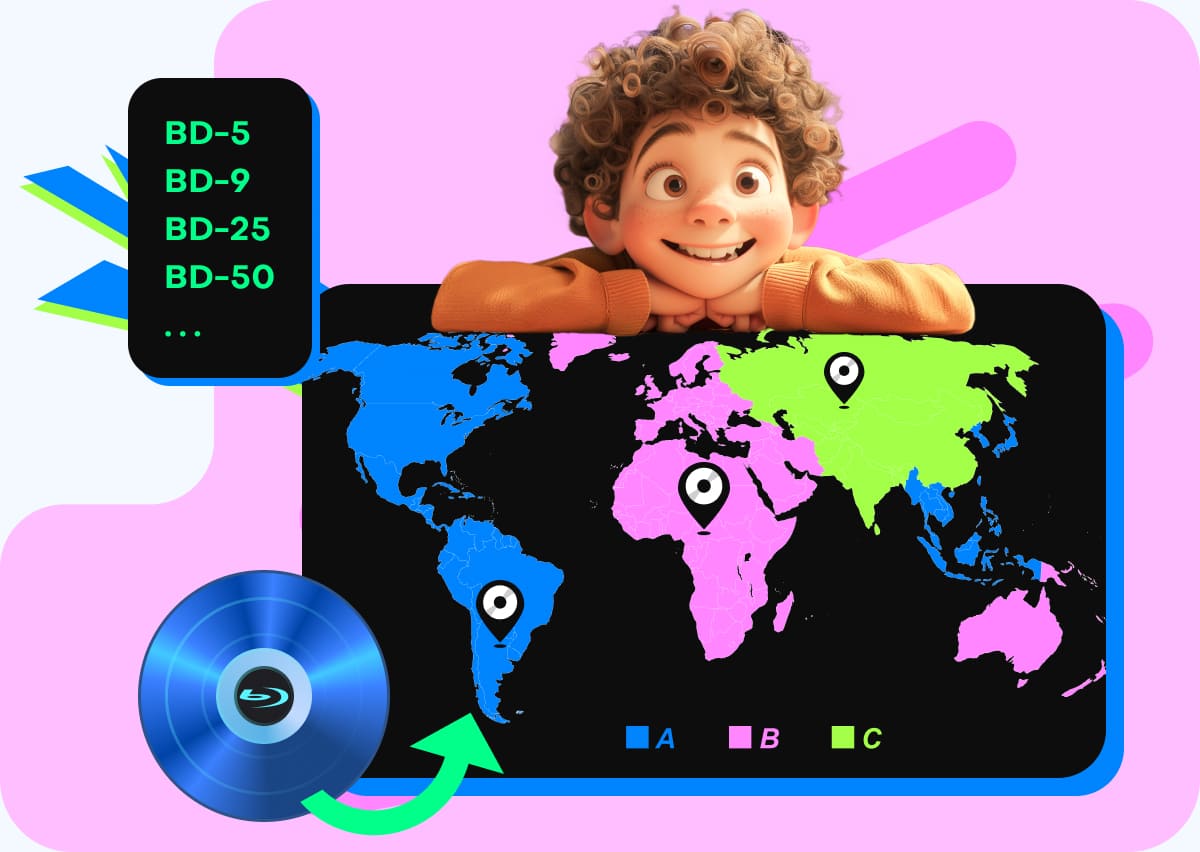
Convert and Decrypt Blu-ray Discs of All Regions and Types
Free Blu-ray Ripper can handle all types of 2D/3D Blu-ray discs, including BD-5, BD-9, BD-25, BD-50, BD-XL, BD-R, and BD-RE, to various digital formats, which can protect the disc from scratches and make it easy to play while on the go. It is also a region-free Blu-ray converter that supports any region codes in Region A, B, and C. Additionally, it is capable of handling multiple Blu-ray encryptions, such as AACS and BD+. No matter where you get your Blu-ray disc, this tool can complete the conversion easily.
GPU Acceleration for Efficient and High-quality Blu-ray Ripping
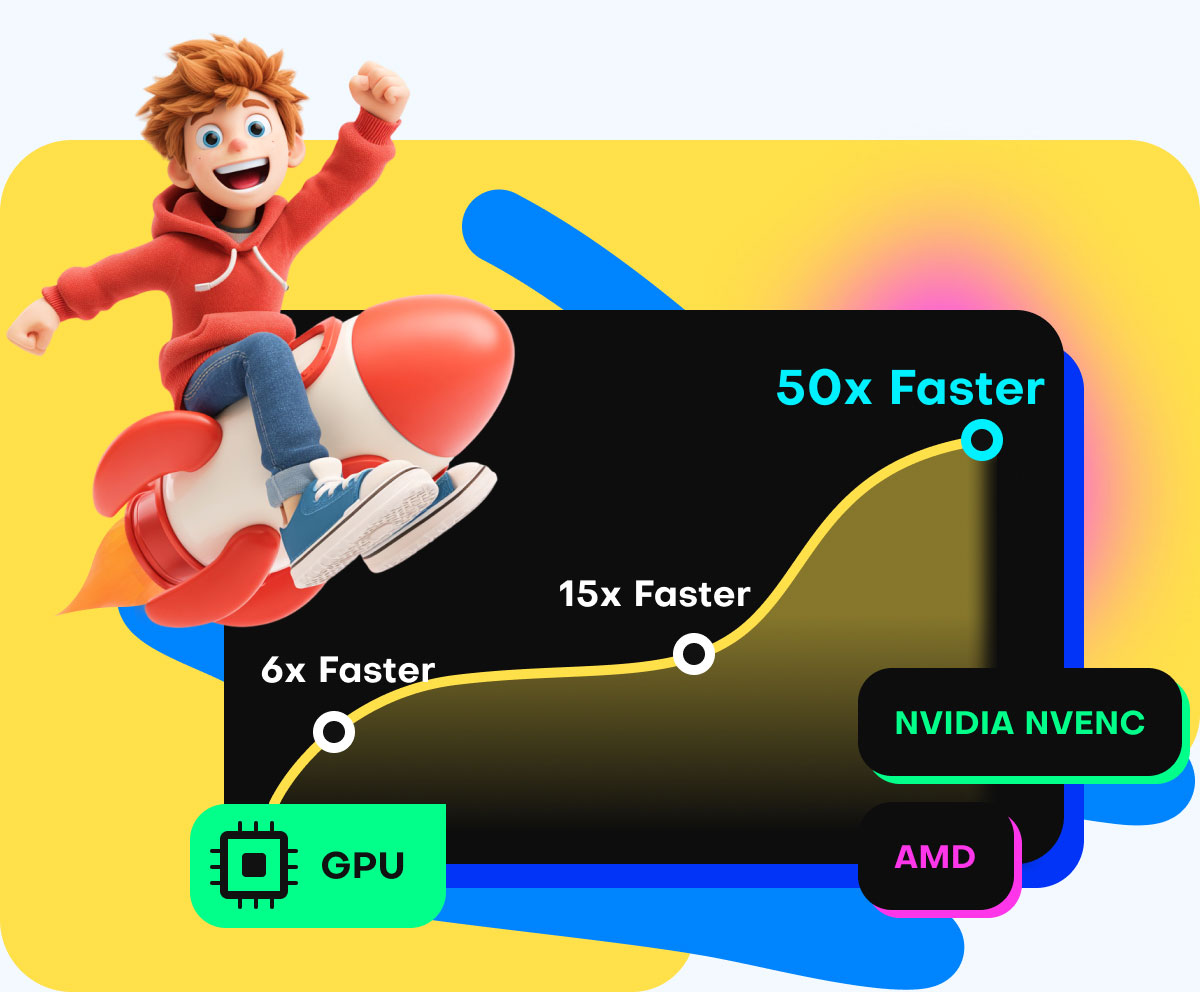
Free Blu-ray Ripper fully integrates with the industry's leading hardware acceleration technologies, including NVIDIA NVENC, AMD App Acceleration, and Intel Quick Sync Video. In our daily performance checks on a mid-range PC (Intel i7, RTX 4060 Ti), digitizing a full 2-hour 26-minute Blu-ray movie (33.4 GB) to an optimized MP4 file took just 6 minutes and 42 seconds—with CPU usage hovering smoothly at around 23%. You can keep gaming or working in the background without any lag.
By offloading the heavy lifting from your CPU to your computer's dedicated graphics card, our software delivers up to 50× faster conversion speeds than standard rippers. This advanced processing power allows you to digitize 4K UHD and 1080p HD Blu-ray discs in just minutes. Best of all, GPU acceleration drastically reduces CPU utilization, keeping your system cool, preventing lag, and allowing you to smoothly multitask, work, or game while your movies convert in the background.
Rip Blu-rays to Digital that are perfect for Plex/Emby/Jellyfin Users
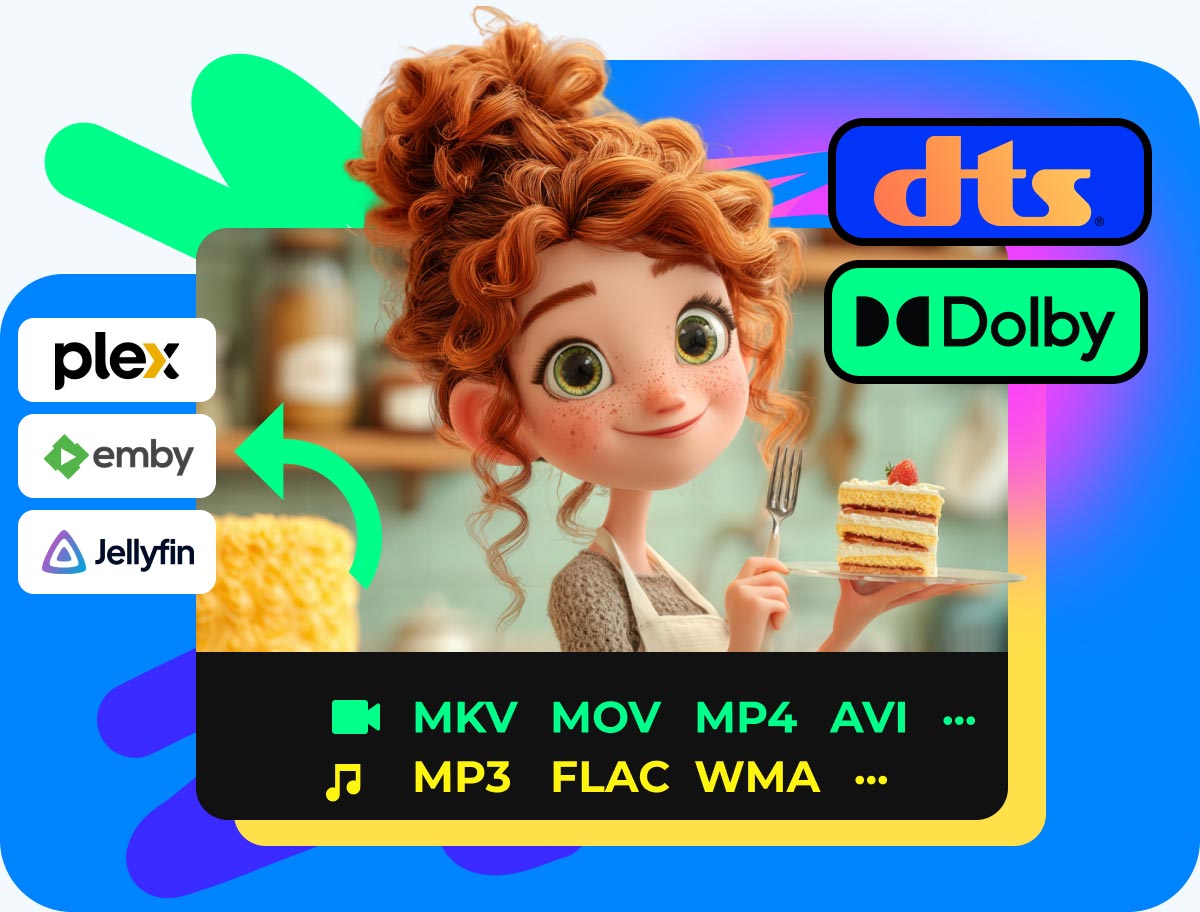
By converting your discs into digital formats, you can stream lossless, high-fidelity movies and TV shows across any device, like Plex, Emby, Jellyfin, and others. In our streaming environment trials, exported MKV and MP4 files loaded instantly across Apple TV, iPad, and smart TVs. At the same time, it can completely bypass cloud dependencies, subscription paywalls, and unskippable previews.
Our tool can easily convert Blu-rays to common video files, such as MKV and MP4, while preserving pristine 4K/HD picture quality and studio-grade audio formats like Dolby TrueHD and DTS-HD. This optimization prevents your server from heavy, on-the-fly transcoding, significantly reducing strain on your CPU or GPU. Furthermore, the output files are structured for automated organization, allowing your server to seamlessly fetch rich metadata, cover art, and subtitles.
Support External Audio Tracks and Subtitles
This freeware Blu-ray ripper can help you customize the output settings. You can adjust audio tracks to remove, add, and change the background audio for the Blu-ray movies. One of its most important functions is its capability to extract master-quality audio with full support for DTS-HD and Dolby TrueHD. Besides, for the Blu-ray subtitles, you are available to add external SRT, SSA, ASS, and other subtitles, or disable subtitles to match your Blu-ray videos.
Built-in Video Editor Tool
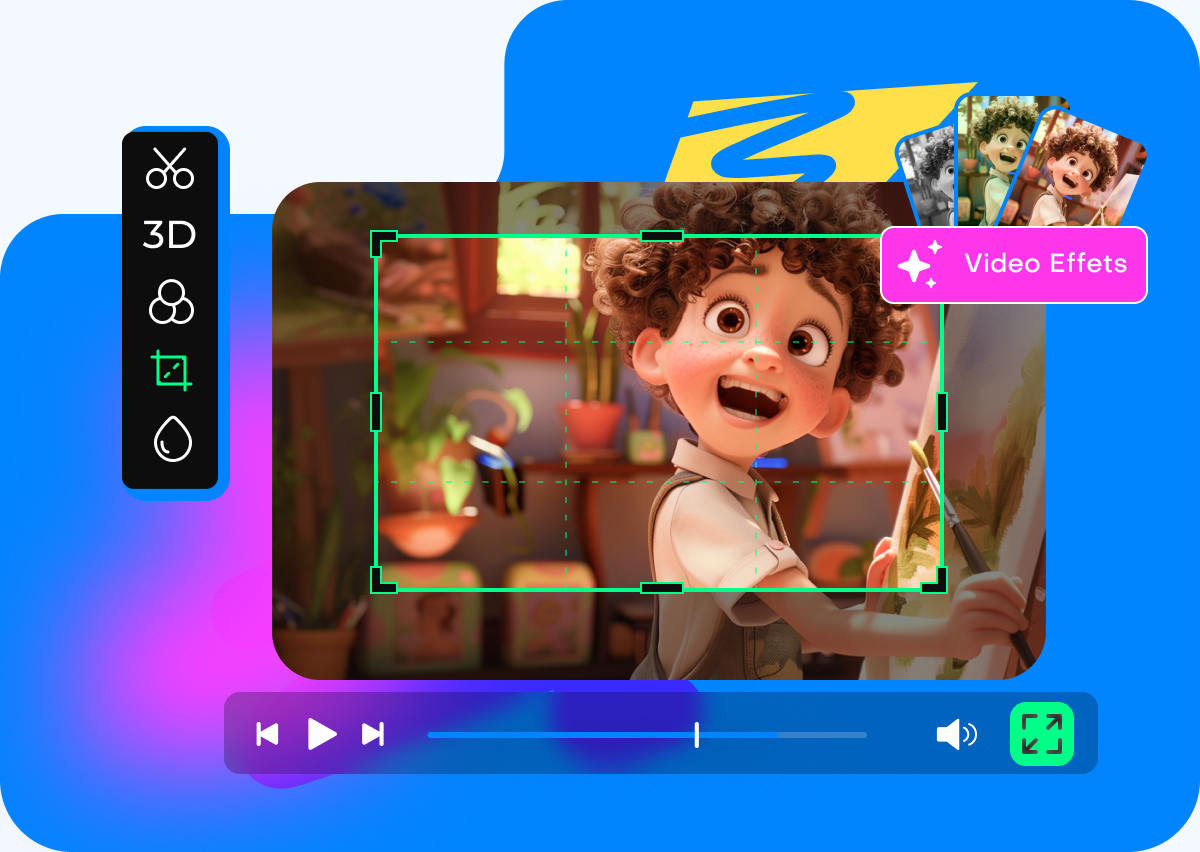
With a built-in video editor, you can make your Blu-ray output video more outstanding. Cut/Trim a Blu-ray title into several parts, and merge them into a new file; crop movies to get rid of unwanted bars; rotate and flip a Blu-ray movie into a correct angle; add filters and adjust brightness, contrast, and more into a video to create a new style; add your own watermark for sharing on social apps.

Convert Blu-ray Movies to Portable Devices
Sometimes, you may want to enjoy Blu-ray movies on your mobile devices. This Free Blu-ray Ripper can easily rip Blu-ray movies to video formats compatible with various devices. Here are some presets:
- Apple iPhone 16 Pro Max
- Android General
- iPad Air
- Motorola razr 40
- SAMSUNG Galaxy S24
- Sony Xperia 1 V
- Amazon Stick
How to Use Free Blu-ray Ripper
Free Blu-ray Ripper is an easy-to-use Blu-ray converter tool, and it enables you to rip Blu-ray to MP4, MKV, MP3, and more.
-
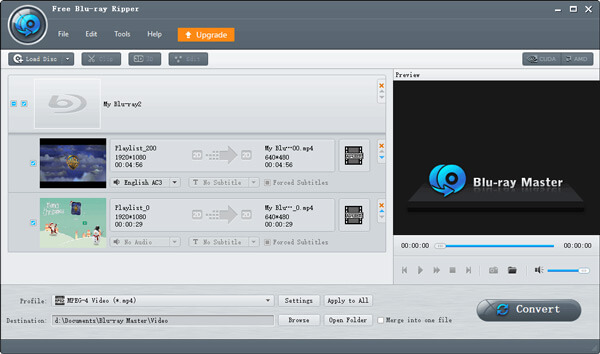
Step 1: Run Free Blu-ray Ripper, and click Load Blu-ray to import the Blu-ray disc, folder or ISO file into this tool.
-
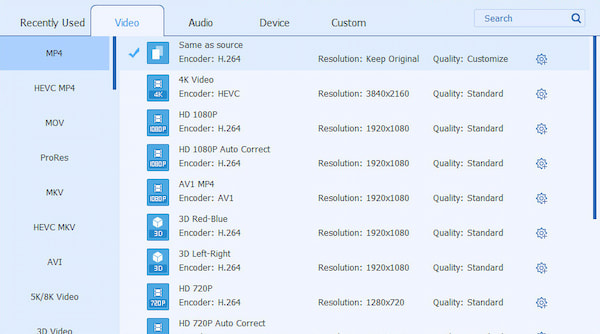
Step 2: Select the output format for each title. If you would like, just click the Edit icon to refine the video.
-
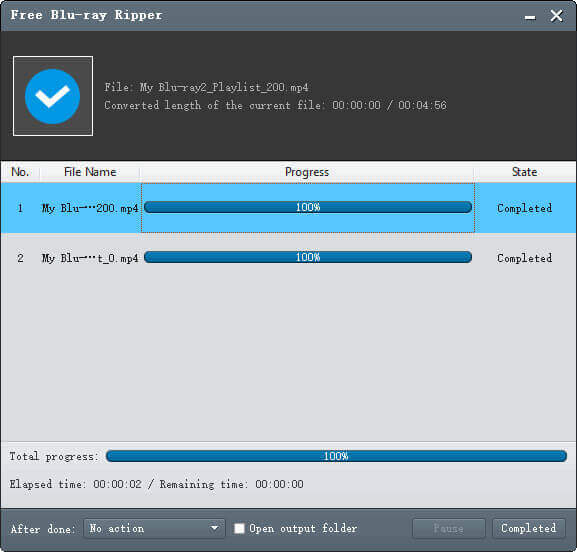
Step 3: Click the Rip All button to start converting Blu-ray to MP4.