

Jul 30, 2025Posted by Kevin Miller to Copy DVD
DVDs have long been a dependable way to preserve priceless memories, from key festivities and family gatherings to personal pivotal times. But because physical DVDs are susceptible to deterioration, scratches, and even aging, these priceless moments could be lost forever at any point. This is precisely why DVD copy services exist. Through the creation of superior backups or the conversion of content into more robust digital formats, these services can successfully save your valuable visual resources.
In this post, you will master the four kinds of DVD copy services and the methods to choose and find a DVD copy service. Let’s start!

- Part 1. Different Types of DVD Copy Services
- Part 2. Key Considerations When Choosing a DVD Copy Service
- Part 3. How to Find the Right Service Near You
- Part 4. Make a DVD Copy by DIY
Part 1. Why Clean or Erase DVDs
After recognizing the importance of DVD preservation and the need for professional DVD copy services, we naturally want to know what specific DVD copy services are available and what the characteristics and application scenarios of different types of services are. The following will provide a detailed introduction to four mainstream DVD copying solutions to help you make an informed choice based on your actual needs.
DVD Duplication Service
The DVD duplication service is the most fundamental DVD copy service. It uses professional copy equipment or DVD copy software to completely copy the original DVD content onto a blank disc. This service is suitable for users who need to maintain the original DVD playback functionality, and is commonly used in scenarios such as home video backup, corporate data archiving, or small event data distribution.
DVD to Digital Service
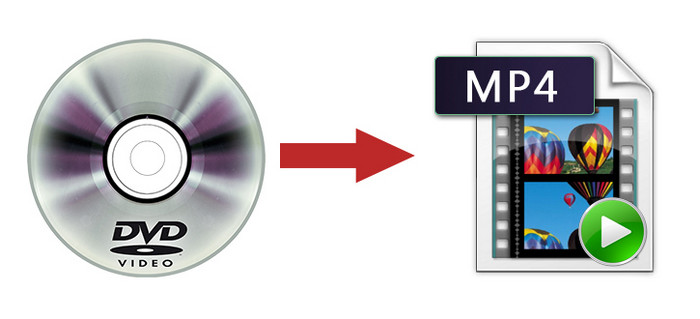
The DVD to digital service makes it simple to play disc content on a variety of digital devices by converting it into popular video formats like MP4 and AVI. This service saves physical storage space and guards against data loss from disc aging, making it especially appropriate for those who want to store home videos, classic movies, and other information on their phones or PCs.
DVD to USB Service
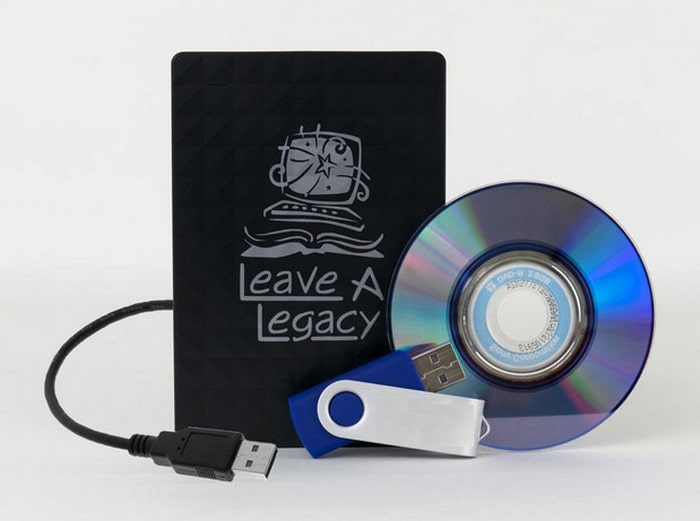
The DVD to USB service offers a more convenient way to save and play the disc by directly copying its contents to an external hard drive or USB drive. Customers who need to watch DVD content on contemporary devices without optical drives, like smart TVs and in-car systems, may find this service especially helpful. In addition to being more robust and portable than CDs, USB devices allow for repeated erasing and rewriting and are a great substitute for conventional DVD storage.
DVD Transfer Service
DVD transfer services provide the most comprehensive format conversion solutions, allowing DVDs to be migrated to various modern media according to needs. In addition to standard digital format conversion, this solution enables content transfer to Blu-ray discs, online storage, or private streaming services. DVD transfer services are more individualized than other services, enabling the best conversion plans to be customized based on the customer's storage requirements and playback devices.
Part 2. Key Considerations When Choosing a DVD Copy Service
After we have mastered the various types of DVD copying services and their characteristics, the next key step is to establish scientific selection criteria when choosing a DVD copy service. The following key considerations will build a systematic evaluation guide to help you make an informed decision.
Quality of Output
Output quality performance is the primary indicator for evaluating DVD copy services. If you have been looking forward to seeing an old film again, you may be frustrated by problems like hazy visual effects or audio-visual synchronization. Therefore, professional DVD copying services should ensure lossless conversion of original quality and precise audio synchronization. In addition, professional organizations typically provide services for sample previews. Please share your views and criticism if you are not happy with the copy effect.
Pricing and Turnaround Time
Service quotes are usually proportional to copy quality. A single DVD can be copied for roughly $0.7-2, but adding value-added services like digital conversion may make each disc cost $4-7. Users must consider their true needs when making a decision. It is advised to compare thorough estimates from three to five service providers. And pay attention to the hidden fees.
Moreover, the turnaround time for DVD copies varies significantly among service providers. It could take a few weeks for some providers to send you the backup, but it might take a month or more for others, particularly during busy times of the year. Before the transaction, please be sure to check the projected time with the service provider so that you may make the appropriate preparations.
Data Security
Data security is the most crucial aspect that cannot be overlooked. It is crucial to verify the security measures of the service provider, particularly when working with content that contains sensitive photographs. Does a non-disclosure agreement exist? Does a thorough data deletion procedure exist? Professional institutions should possess information security management certification and provide comprehensive data protection solutions.

Customer Reviews and Reputation
It could be beneficial to first learn about other people's experiences before making a final decision. Customer evaluations can give you important information about a company's dependability, caliber of work, and attitude towards customers. You can usually find reviews on the company's official website, social media pages and independent review platforms to get a more comprehensive understanding.
Note: It is advised to choose reputable companies with a strong client retention rate and that have been established for more than five years. Such service providers usually have more mature quality control systems and emergency response plans.
Part 3. How to Find the Right Service Near You
After mastering the evaluation criteria for DVD copy services, finding an excellent service provider becomes crucial. Next, we will help you find the right service near you to successfully copy DVDs to a hard drive or DVD.
Online Business Directories
Online platforms are the most convenient way to find local services. These platforms not only help you quickly locate service providers but also allow you to understand service quality through genuine user reviews.
• Yelp: Search for ‘DVD copy services’, and filter out the local businesses with a rating of 4 stars or above. You can sort by distance, rating, and other criteria to find the most suitable service provider.
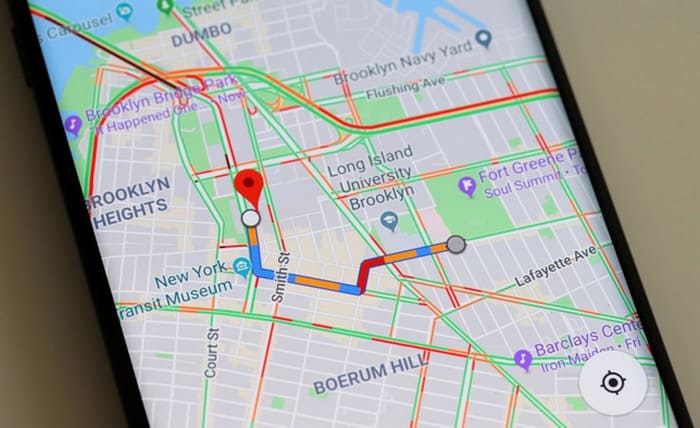
• Google Maps: Enter ‘DVD copy services near me’ to see nearby options with user reviews and contact information. The map navigation feature can also help you plan your route to the store.
Large Chain Stores
Chain stores are a good option if you prefer in-store services. These shops typically offer standardized services and extensive hours.
• Walmart Photo Centers: The majority of shops provide reasonably priced DVD digitalization and copying services. It is appropriate for those with tight budgets because the pricing is clear.
• CVS Photo: In addition to photo printing, it also offers DVD copying and digital conversion. And the stores are widely distributed, making it convenient to choose a nearby location.

Specialized Service Providers
Specialized service providers can give higher-quality services for important material or particular demands. Although the price may be higher, the quality is more assured.
• Media Transfer Specialists: Search for professional businesses such as ‘DVD conversion service’ to get higher-quality services. Such businesses usually have professional equipment that can handle old or damaged DVDs.
• Office Supply Stores: Some Staples and FedEx Office locations offer DCD duplication, which is suitable for business users who need bulk copying.
Part 4. Make a DVD Copy by DIY
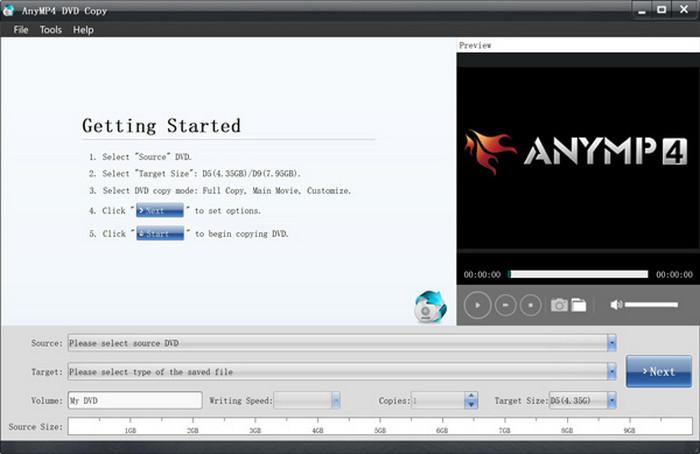
After learning about professional DVD copy services, if you prefer to do it yourself, we recommend a professional DVD copy software worth considering, Blu-ray Master picked DVD Copy.
Free Download
For Windows
Secure Download
Free Download
for macOS
Secure Download
It has a lot of powerful features as follows:
• It lets you copy and save a DVD to ISO, DVD to folder, DVD to DVD, ISO to DVD, ISO to folder, folder to ISO, and ISO/folder to DVD.
• It is compatible with both Windows and Mac.
• It is capable of 1:1 ratio copying DVDs without losing original quality.
• It offers 3 copy modes: Full Copy, Main Movie, and Custom.
• It adopts acceleration technology, so that the copy speed is fast.
The DVD copy software maximizes the convenience of DVD copying and greatly protects your privacy, compared with DVD copy services. Download and try it now!
Wrapping up
Throughout this article, we have learned about different types of DVD copy services, key considerations when choosing a DVD copy service, as well as how to find a DVD copy service. At the same time, we have understood the value and convenience of using DVD copy services. If you want to copy your DVDs, take action now!
More from Blu-ray Master
