- Blu-ray & DVD
Freeware
All software functions are free
Free Blu-ray PlayerWatch Blu-ray movies on your computer.
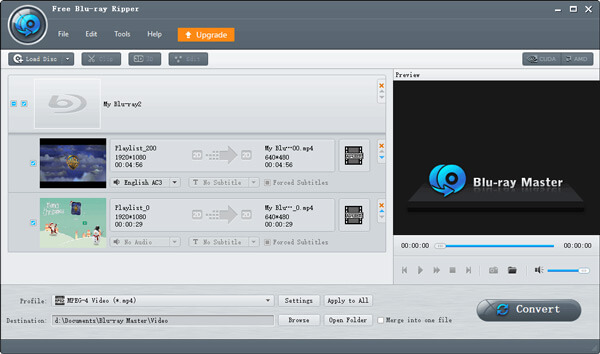
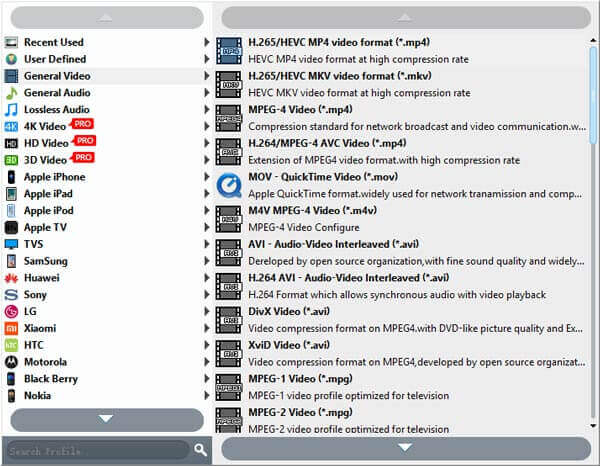
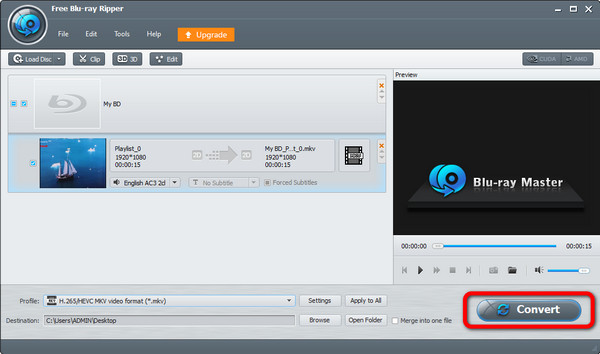
Free Blu-ray RipperConvert Blu-ray discs to other video formats.
Free Blu-ray CopyCopy Blu-rays to other discs or hard drives.
Free DVD RipperRip DVDs to MP4, MKV, and other formats.

Pro Version
Enjoy advanced features without limits
 Blu-ray Player
Enjoy Blu-rays with superb visual-audio quality.
 Blu-ray Ripper
Rip any Blu-ray to 4K/3D/HD videos.
 Blu-ray Copy Platinum
Copy Blu-ray discs with multi-copy modes.
 DVD Creator
Create and customize DVDs/Blu-rays freely.
- Multimedia
30M+ users
10+ years experience
500+ formats supported
- Resource
- Support